Target Environment
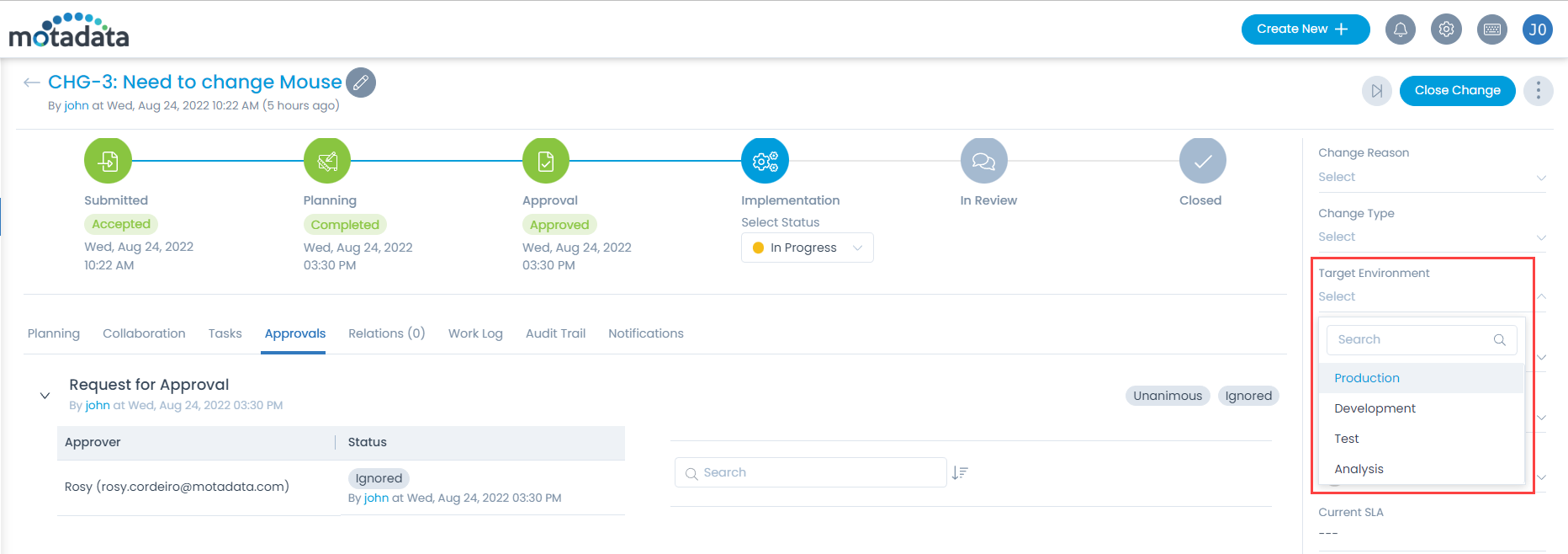
Organizations typically use multiple environments. In standard practice, a change is first made in the development environment, then the test environment and finally the production environment. You can manage this list of environments. In a change request, the Target environment field is a dropdown and uses only this list.
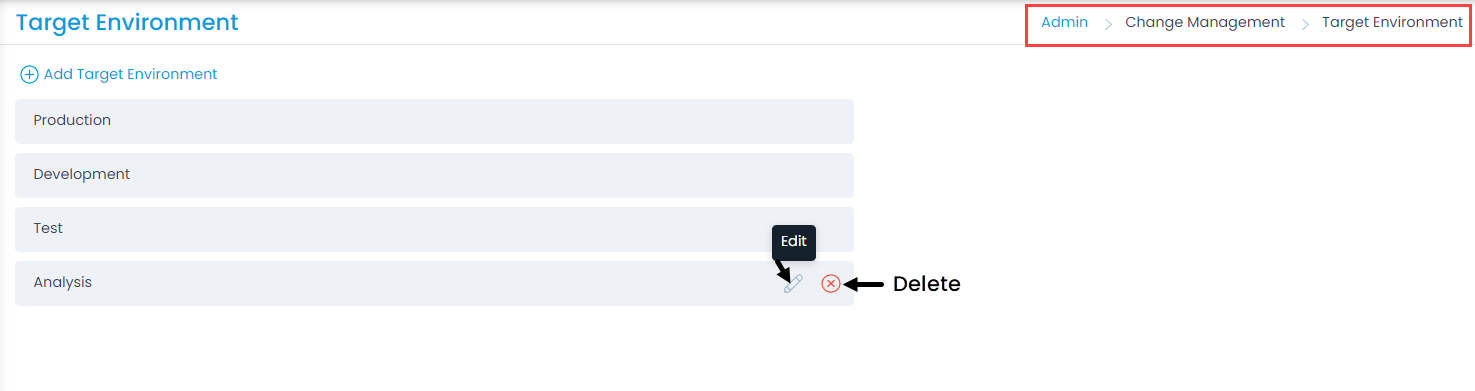
To view the Target Environment page, navigate to Admin > Change Management > Target Environment.
On this page, you can view the default target environments as well as manage the custom ones. The default environments are:
- Production
- Development
- Test
Adding a Target Environment
To add a target environment:
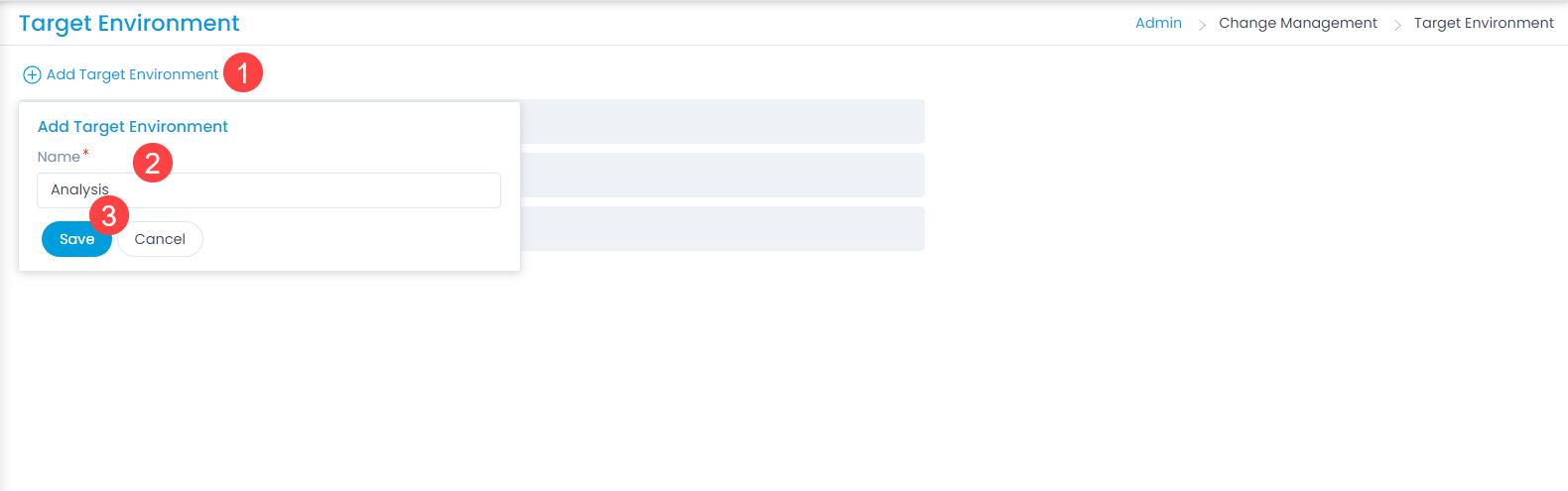
- Click Add Target Environment.
- Enter the target environment Name.
- Click Save. You can then edit or delete the environment as needed. You can delete only custom environments; you cannot delete the default environments.
Once the target environment is added, it appears on the Change Details page, as shown below.